
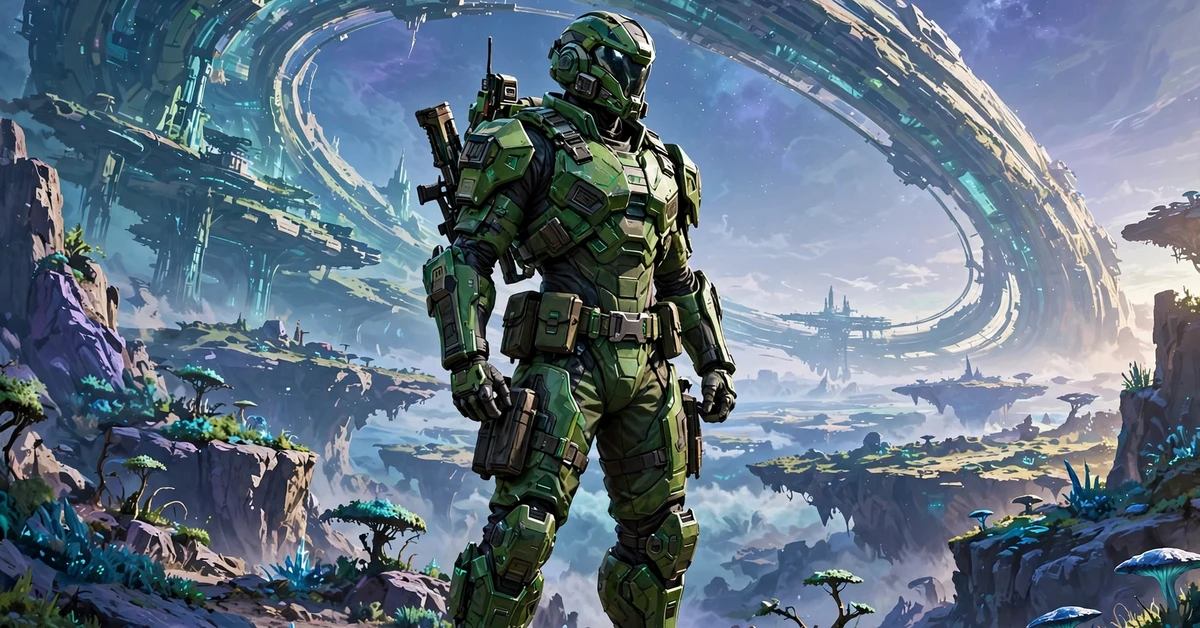
If you search for Halo (2003) game icons banners, you are looking at the small pictures and big art that gave the first Halo game its look. Halo: Combat Evolved first came out on Xbox in 2001, and its PC version came out in 2003. That PC release is why many people call it Halo 2003. The game used simple icons to show weapons, health, shields and goals on screen, and it used wide banners in menus, on the box and in ads to show the Halo ring and Master Chief. In this guide from DonglyTech, you will learn what each type of icon and banner is, where it appears, what is true about multiplayer emblems, and how fans find these images safely today.
Table of Contents
What Does Halo (2003) Game Icons Banners Mean?
The phrase Halo (2003) game icons banners is a search term, not an official name for a pack or a product. People use it when they want pictures from Halo: Combat Evolved, the first game in the series. It was made by Bungie and first launched on the Xbox in 2001. Gearbox Software then ported it to PC, and that PC version launched in 2003 with online multiplayer and new maps. So when fans say Halo 2003, they usually mean the PC version.
Icons and banners are two different things. Icons are small pictures with a job to do. They sit in the menus and on the HUD, the display you see while you play, and they tell you something fast: your gun, your shield, or the goal of a match. Banners are bigger and work more like art. They appear on the main menu, on loading screens, on the game box and in ads, and they show the world of the game, often with Master Chief or the Halo ring.
Halo (2003) Game Icons: The Main Types
The icons in Halo: Combat Evolved are simple, clean and easy to read at a glance. Here are the main types of Halo game icons you will see.
Weapon Icons
Every weapon has its own icon in the HUD and the menus, drawn as a clear side view. The MA5B Assault Rifle has a short, blocky shape. The SRS99C-S2 AM sniper rifle has a long, thin shape that marks it as a long range weapon. The Energy Sword has a curved, glowing blade.
HUD Icons
The HUD is the set of pictures and bars you see while you play: your health, your shield level and your ammo. The shield bar drops as you take hits, then fills back up when you stay safe. The ammo counter sits near your weapon icon and shows your shots left.
Vehicle Icons
Vehicles have their own icons too. The M12 Warthog, a fast military jeep with a gun on the back, has an icon that shows its rugged shape. The Type-32 Ghost, a small Covenant hovercraft, has an icon that shows its sleek, curved body.
Faction Icons
The game has two main sides. The UNSC, the United Nations Space Command, is the human military, and its emblem shows an eagle holding a globe. The Covenant is the alien alliance, and its symbols use flowing lines and strange shapes that look alien and advanced.
Game Mode Icons
Multiplayer modes use icons to show the goal of the match. In Capture the Flag, a flag icon marks the flag you must steal and bring home. In Oddball, a skull icon marks the ball you must hold to score. In Slayer, the goal is simple: defeat the other team. Fans use these icons for server banners, clan logos and wallpapers.
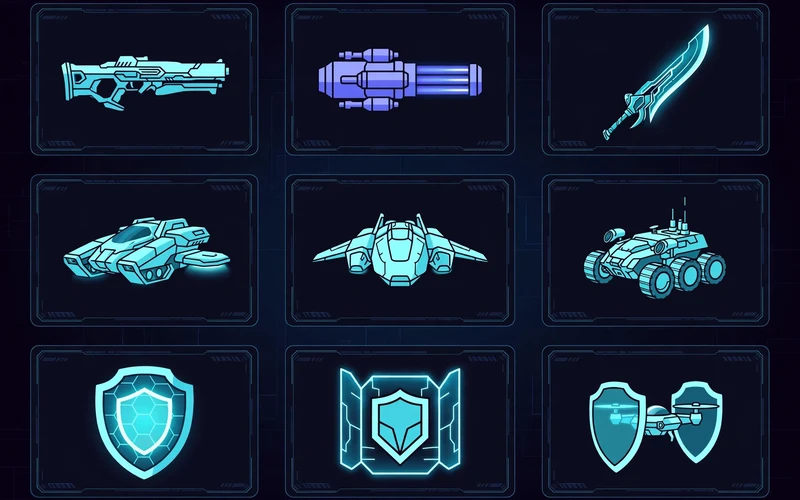
Weapon, vehicle and shield icons use simple shapes so players can read them in a fast fight.
Halo (2003) Banners: Where They Appear
Banners in Halo are wide images that show the scale and mood of the game. Here is where they appear.
- Main menu banner: the first screen shows the Halo ring glowing in space.
- Loading screen art: simple images of the ring and the game world appear while a level loads.
- Multiplayer mode banners: Team Slayer shows Spartans and the UNSC eagle, while Capture the Flag shows the flag and both factions.
- Campaign banners: story art shows Master Chief, Cortana and the Covenant, often with the ring behind them.
- Box art and posters: the game box shows Master Chief in green Mjolnir armor in front of the ring. It is the most famous Halo image of all.
- Server banners: on PC, players who ran their own servers made small banner images for the server list.
Master Chief is the heart of most Halo banners. He is John-117, a Spartan in green armor with a gold visor, and he became the face of the series. The ring itself is the biggest banner image of all: a giant ring shaped world at the heart of the game.
Multiplayer Emblems: What Halo (2003) Really Had
Here is a fact many guides get wrong. Custom emblems, the small two color designs players put on their armor, were first added in Halo 2. They were not in Halo: Combat Evolved. In the first game, your profile was very basic: a name and an armor color, and that was it. So if a guide says Halo 2003 had custom emblems, it is mixing up the first game with Halo 2.
What Halo PC did add was online multiplayer for up to 16 players, with a server browser, direct connect by IP address, six new maps, the Fuel Rod Gun, the Flamethrower, the Banshee and the Rocket Warthog. Later, Halo Custom Edition, a multiplayer only version made for modding, let players run custom maps online, and much fan made banner art comes from that PC community.
Team colors did the work that emblems do in later games: in a match, your color told others which side you were on. To learn more, visit the official Halo site for news, and the Halopedia page on Halo: Combat Evolved for full facts about the game.
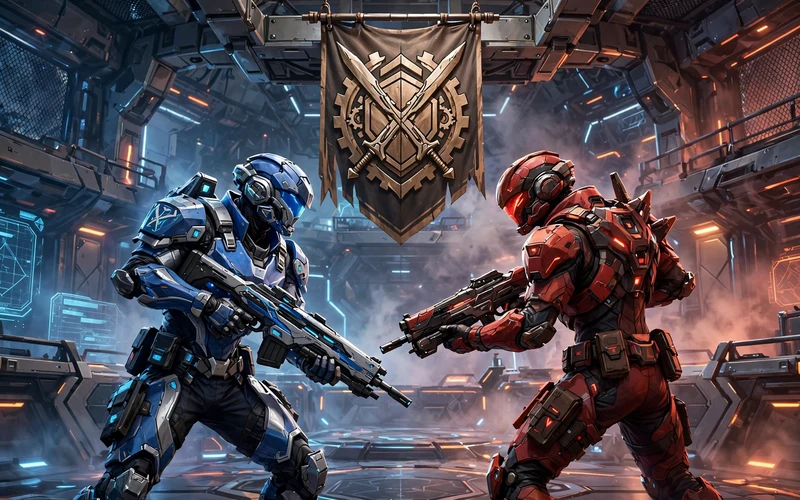
Team colors and clan banners helped players tell sides apart in Halo PC multiplayer.
How to Make Your Own Halo Banner or Icon
Fans still make Halo banners and icons today, for Discord servers, clan pages and wallpapers. Any free image editor will do. Follow these steps.
- Pick your use first: a wide banner for a server, a square icon for a profile picture, or a tall image for a phone wallpaper.
- Choose one clear subject: Master Chief, the Halo ring, a Warthog or a weapon silhouette.
- Use the game colors: green armor, blue light and dark space.
- Draw your own shapes: make simple silhouettes instead of copying art from the game.
- Add no game logos: the Halo logo and the UNSC eagle belong to the rights holders, so do not present your image as official.
- Keep text short: a clan name or a short phrase in a clean font is enough.
- Test it small: shrink it to the size it will really show at. If you can still read it, the design works.
If you like other classic game art too, our guide to Sven Co-op game icons and banners shows how another old PC game built its style.
Where to Find Halo (2003) Icons and Banners Safely
There is no official icon pack to download, so be careful with download links. Here is how to find images in a safe way.
- Start with official pages: the official Halo site and the Halo wiki show real art from the game, and they are safe to browse.
- Use fan art sites with care: credit artists when you share their work.
- Take your own screenshots: if you own the game, capture the menu, the HUD and the box art yourself.
- Skip shady download sites: a site that asks you to install a tool or pay for free art is a bad sign.
- Check the file before you open it: an image should be an image file, not a program. If a download asks you to run it, delete it.
- Respect the rights: enjoy the art and share fan art with credit, but do not sell copies as if they were yours.
Old physical items are another way to own the real art: posters, game boxes and manuals from the PC release turn up at game shops and auction sites.
Why Halo (2003) Icons and Banners Still Matter
The first Halo game set the visual style for the whole series. The clean icons, the green armor, the eagle emblem and the ring in space all started here, and later games kept them and built on them. The PC version also shaped the series, because later versions were built on it, with its online multiplayer and extra maps. Critics liked the PC version too: it scored 83 percent on Metacritic.
For players, these images are also memories: a weapon icon can bring back a night of matches with friends, and a server banner can bring back a clan that played together for years. That is why people still search for Halo (2003) game icons banners more than two decades later. If you want more classic game guides, try our Retro Bowl Unblocked guide for another old school game that fans still love to play.
FAQs
What are Halo (2003) game icons and banners?
They are the visual images from Halo: Combat Evolved, the first Halo game. Icons are small pictures in the HUD and menus that show weapons, health, shields, vehicles and goals. Banners are wide art images in menus, on the box and in ads.
Why is it called Halo 2003?
Halo: Combat Evolved first came out on Xbox in 2001. Gearbox Software ported it to PC, and that version came out in 2003 with online multiplayer and new maps. That is why many people call it Halo 2003.
Did Halo (2003) have custom multiplayer emblems?
No. Custom emblems were first added in Halo 2. In the first game, a multiplayer profile let you pick a name and an armor color only. Team colors and fan made clan banners showed who you were in Halo PC matches.
Where can I find Halo (2003) icons and banners?
Start with the official Halo site and the Halo wiki, which show real art from the game. You can also take your own screenshots, or look for fan art on art sites and forums. There is no official icon pack to download.
Can I use Halo icons and banners for my own project?
You can make your own fan art inspired by Halo for personal use, a server banner or a clan page. Do not copy game art and sell it as your own, and do not use the Halo logo or claim your image is official.
