
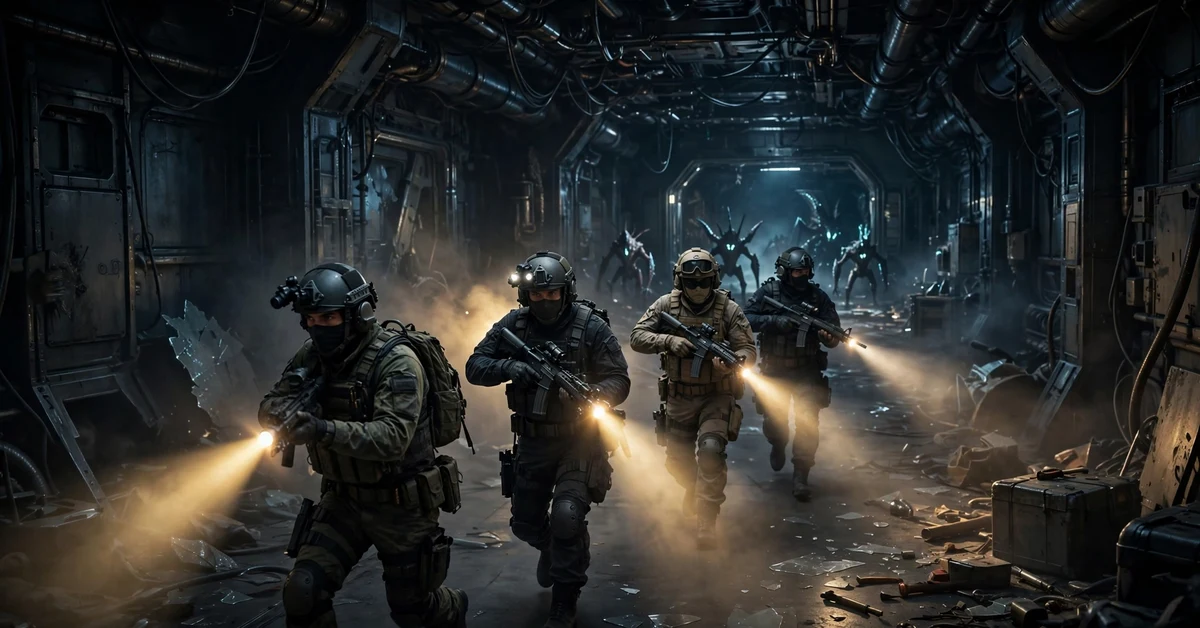
Sven coop game icons show up everywhere if you love classic shooters and playing with friends — on the Steam page, in the game itself, or on fan sites. Sven Co-op is a free cooperative game based on Half-Life, and its icons and banners are the artwork that shows the game at a glance: soldier helmets, crowbars, alien creatures and dark science labs. This guide explains what the game is, where to find its icons and banners, and how to play it free with your friends. You can use this artwork on your Steam profile, in a Discord server, or as a desktop wallpaper, and this guide shows you where to find it and how to use it safely.
Sven Co-op started as a fan-made mod and is still free today. You do not need Half-Life to play it, and you can join missions with other players in minutes. In this guide from DonglyTech, you will learn what the icons and banners mean, where to get them safely, and how to enjoy the game the way it was made to be played — together.
Table of Contents
What Is Sven Co-op?
Sven Co-op is a cooperative game based on Valve’s Half-Life. In it, players work together against computer-controlled enemies and solve puzzles as a team. It is similar to Half-Life, with similar weapons, monsters and characters, but the difficulty is higher because it is built for team play. The levels are set as missions, and most missions span several maps. Some missions are grouped into a series.
The aim of most levels is simple: reach the end or complete an objective. A high score is fun, but not needed to win. The game began as a mod on 19 January 1999 and came to Steam as a free standalone game on 22 January 2016. You do not need Half-Life to play it, and the Steam version includes the full Half-Life campaign, the Half-Life: Uplink mission and community maps. If you own Opposing Force or Blue Shift, you can import their missions too.
It runs on a heavily changed version of the GoldSrc engine, the engine family behind Half-Life. It won the Best Action Mod Award at the IndieDB Mod of the Year awards, and after more than 25 years it is still updated and still played.
What Are Sven Co-op Game Icons and Banners?
Sven coop game icons and banners are the small pieces of artwork that represent the game wherever it appears. For Sven Co-op, they fall into a few clear groups.
- Game icons: the small square icon you see in your Steam library, on your desktop shortcut, and in the game menu. It usually shows a soldier helmet or the Sven Co-op logo.
- Steam banners and capsule art: the wide header image on the Steam store page, showing soldiers, scientists and alien creatures in Black Mesa.
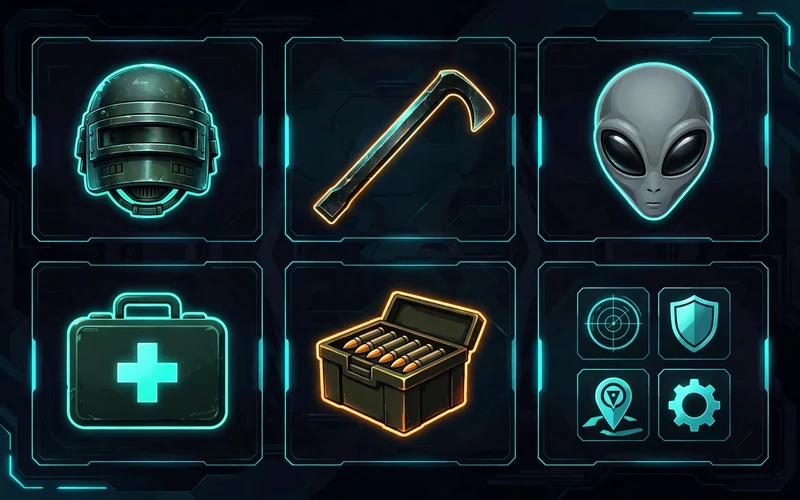
- In-game icons: the icons for weapons, health kits, ammo and player models that you see while you play. The crowbar, the health kit and the alien head are some of the most recognised ones.
- Community banners: fan-made banners for Steam profiles, Discord servers, forums and YouTube channels, often mixing game art with a server name or clan tag.
- Profile backgrounds: wide images players use as a Steam profile background or a desktop wallpaper.
Most of this artwork comes from the game itself: the Black Mesa facility, the science team, the military and the alien creatures. Fans make their own versions too. If you run a server, a clear banner helps players find you and know what it offers.
Where to Find Sven Co-op Game Icons and Banners
Find sven coop game icons in these safe places — start with the official sources, which are free and safe to use.
- The Steam store page: Sven Co-op on Steam shows the official header image, screenshots and library art. You can save the header image for personal use, such as a wallpaper.
- The official website: the official Sven Co-op website has news, changelogs and links to the game. It is the best place to check what is new in the game.
- Steam Community: the Steam Community hub for Sven Co-op has artwork, screenshots and guides made by players. You can find profile backgrounds and fan banners there.
- Fan sites and forums: long-running Sven Co-op communities share banners, server logos and map packs. Look for sites that have been active for years and have real players behind them.
- The game files: once the game is installed, its folders hold many of the icons, sprites and textures used in the game. You can use these for personal projects, but do not sell them or claim them as your own work.
Be careful with random download sites. Some pages that offer “free game icons” are full of ads, fake download buttons or harmful files. If a site asks you to install extra software to get one image, close it, and stick to Steam, the official site and well-known communities. Never pay for Sven Co-op art — the game is free, and its official art is free too.
How to Download and Play Sven Co-op Free
Getting started takes only a few minutes, and you do not need to buy Half-Life first.
- Install Steam: download it from the official site and create a free account.
- Search for Sven Co-op: open the Steam store and search for “Sven Co-op”. It is listed as a free game.
- Click install: the download is small by modern standards, so it does not take long.
- Launch the game: open it from your Steam library, then start a mission or join a server.
- Pick a mission: start with the Half-Life campaign missions — they teach you the basics as you play.
- Join a server: use the server browser and pick one with enough players and a low ping.
In a mission, you will see the sven coop game icons in action: weapons, health, ammo and the icons above your teammates. The game is built for groups, so play with others.
How to Play Sven Co-op With Friends
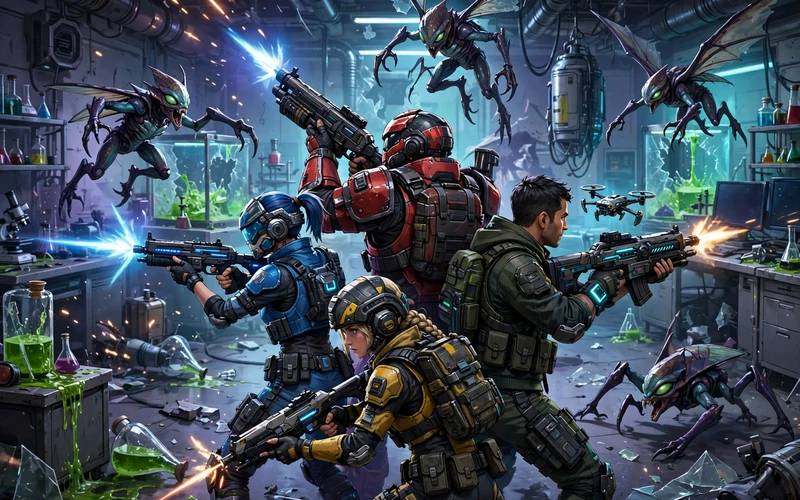
Sven Co-op is at its best with friends. Missions are harder than single-player Half-Life, and some puzzles need two or more players — one may hold a switch while another runs through a door, or the team may defend a scientist while he opens a locked room.
Talk to your team. The game has voice chat and quick radio commands: press Z to call “Medic!” when you need healing, and X to shout “Take cover!” when danger is near. If a teammate falls, you can revive them, so stay close and share health kits and ammo — a strong team finishes missions, a selfish team does not.
Pick roles that fit your group: one player takes point with a shotgun, another covers from behind, and another carries the medkit. Try different weapons until you find what suits you, and take short breaks between maps to plan together.
Best Tips for New Players
Follow these tips from your first mission.
- Start easy: pick beginner servers or the early Half-Life campaign maps.
- Learn the maps: many missions reuse Half-Life places like Black Mesa and Xen.
- Save your ammo: use the crowbar on weak enemies and bullets on the big ones.
- Use the medkit: it heals you and your teammates, so heal others when you can.
- Watch for puzzles: if you are stuck, look for a switch, a vent or a button nearby.
If you like other free games too, check the GamerXYT game categories to find more games and apps by type. And if you play with voice chat, a good pair of wireless earbuds for gaming can help you hear your teammates clearly without disturbing others in your home.
Sven Co-op Icons and Banners for Your Profile
Many players use sven coop game icons on their own profiles. Here is how to do it well.
- Steam profile: set the game icon as your avatar, or use a Sven Co-op banner as your profile background. Steam lets you show off the games you play.
- Discord server: for a Sven Co-op Discord server, use a clear banner with the game logo and your server name, and keep the text short.
- Forum signature: a small banner with your favourite weapon or character works well — keep the file size small so pages load fast.
- Desktop wallpaper: the wide Steam header art makes a good wallpaper. It shows the game at its best without any extra text.
When you make your own banner, keep it simple: the game logo on one side, one strong image in the middle, and your server or clan name in clear letters. The official art belongs to the game makers — use it for fun and for your community, not to sell or to claim as your own.
Final Thoughts
Sven coop game icons banners are more than just pictures. They are the face of a free co-op classic played for more than 25 years. The icons help you find the game, the banners show off your server or profile, and the game gives you hours of teamwork and fun with friends. Get the game and its art only from Steam or the official website.
Download it free from Steam, join a mission with your friends, and enjoy one of the best co-op games ever made. Start with the Half-Life campaign, learn the maps, help your team — the Black Mesa facility is much more fun with friends at your side.
Frequently Asked Questions
Is Sven Co-op free?
Yes. It is free to download and play on Steam, and you do not need to own Half-Life — the full game, including the Half-Life campaign and community maps, costs nothing.
Do I need Half-Life to play Sven Co-op?
No. The Steam version is standalone — play it without owning Half-Life. If you own Opposing Force or Blue Shift, you can import their missions too.
Where can I find Sven Co-op game icons and banners?
The Steam store page, the official Sven Co-op website, and the Steam Community hub are the safest places. Fan-made banners appear on long-running community sites, and the game files hold many in-game icons.
Can I play Sven Co-op alone?
You can, but it is made for teams: missions are harder than single-player Half-Life, and some puzzles need more than one player. Play with friends or join a public server.
Is Sven Co-op safe to download?
Yes, from Steam or the official website. Avoid random download sites that ask you to install extra software — Steam checks and updates the game files for you.
